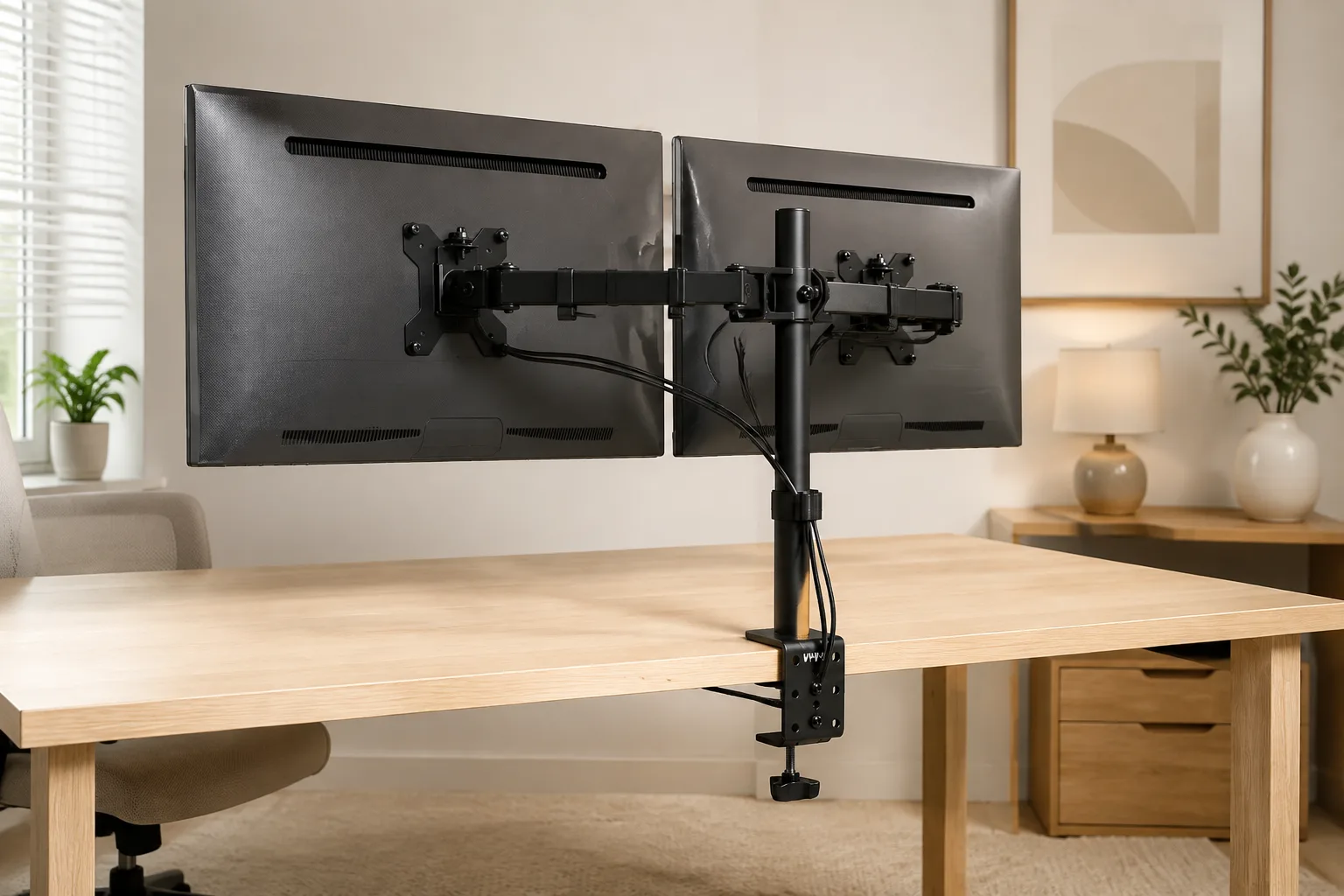
VIVO Dual Monitor Mount: VESA, Weight & Desk Thickness
Match VESA, monitor weight, and desk thickness before you buy. Specs-only fit guide for the VIVO dual monitor desk mount — clamp/grommet, tilt/swivel/rotate, and when to fork to dual risers or single arms.
As an Amazon Associate I earn from qualifying purchases. Buying through this link may earn us a commission at no extra cost to you.
Save this fit checkCheck current price on Amazon Opens Amazon · confirm the selected variant and dimensionsVIVO Dual Monitor Desk Mount
Steel dual monitor desk mount with clamp (up to 3.25 in) and grommet options. Buy it when both monitors’ VESA patterns, weights, and your desk thickness already match the ranges below.
| Monitor fit | 13–30 in / ≤22 lb each |
|---|---|
| VESA | 75×75 & 100×100 |
| Desk thickness | Clamp up to 3.25 in + grommet |
| Motion | Tilt +90/−90; 180° swivel; 360° rotate |
| Material | Steel |
| Warranty (listing) | 3-year |
Specs from Amazon listing, verified September 5, 2026.
Tape measure before checkout
Measure first. Then decide.
Use a tape measure on both monitors and the desk edge where the mount will live.
VESA pattern.
This mount supports 75×75 and 100×100 mm on each arm. Check the four screw holes on the back of each monitor (or the manual). No VESA, or a different pattern, means skip this SKU.
Monitor size and weight.
Listing fit is 13–30 inches each and ≤22 lb each. Weigh each panel (without the stock stand if you are removing it) or check the manufacturer spec. Over 22 lb or over 30 in on either screen is outside this mount’s range.
Desk thickness and mount path.
Desk clamp fits up to 3.25 inches, and a grommet path is included. Measure desk edge thickness where the clamp will bite, or confirm a grommet hole if you prefer through-desk mounting. Glass tops, blocked edges, and filled cable trays often fail clamp clearance even when thickness numbers look fine.
Underside clearance.
Open the clamp path under the desk. Crossbars, drawers, and CPU mounts can block the clamp even when thickness is in range. You need a clear underside for clamp install.
Motion and fork check.
Listing motion includes tilt +90/−90, 180° swivel, and 360° rotate. Body is steel; listing notes a 3-year warranty as a product fact (not a hands-on test claim). If you want a freestanding dual riser, a dual gas-spring FlowLift, or a single arm only, that is a fork — not a failed VESA check on this SKU.
Write VESA, weight, and thickness down. If any fail — or you prefer a riser / single arm — skip this SKU and look at the forks.
A closer look
One pick. 6 views.
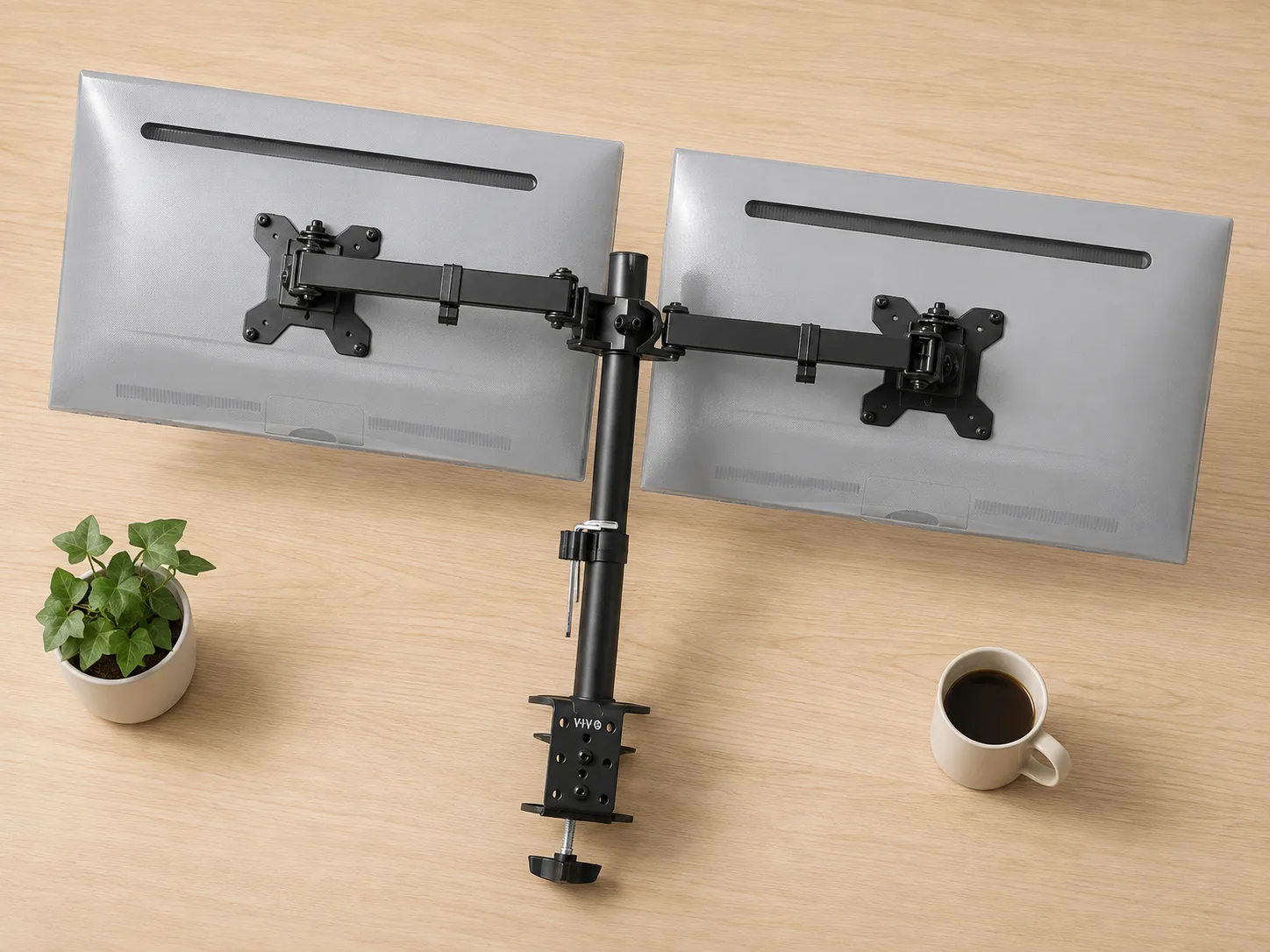
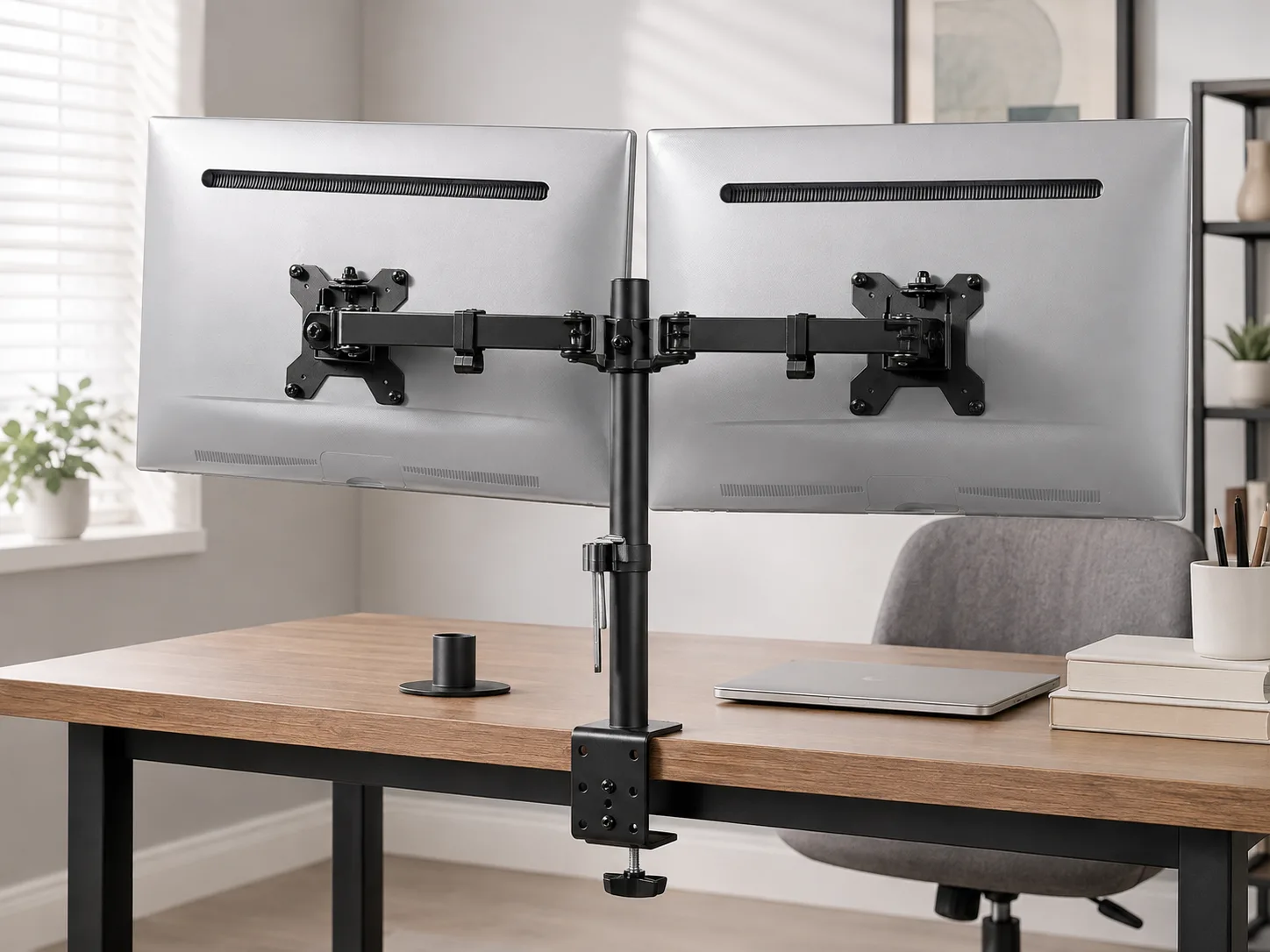
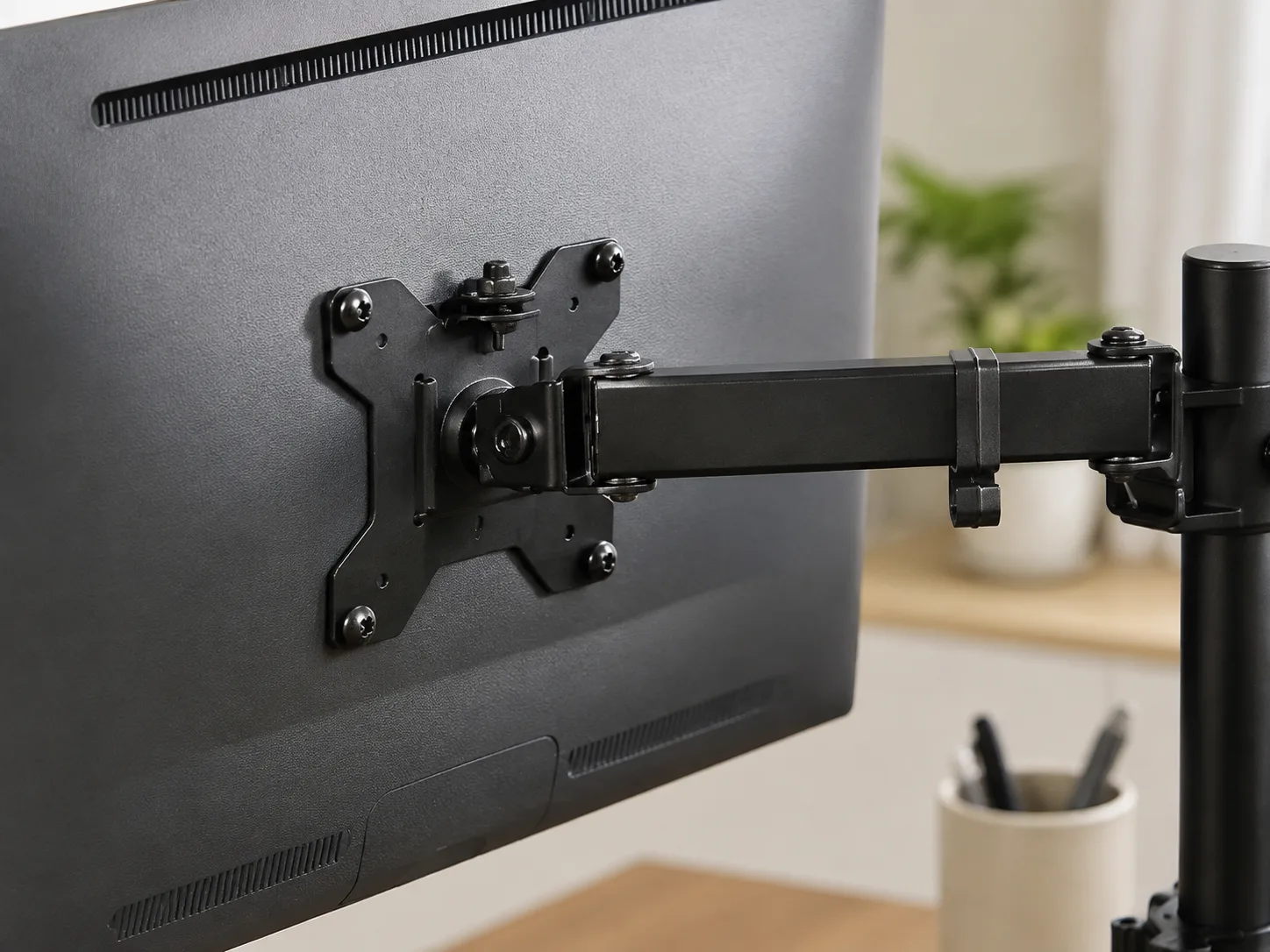
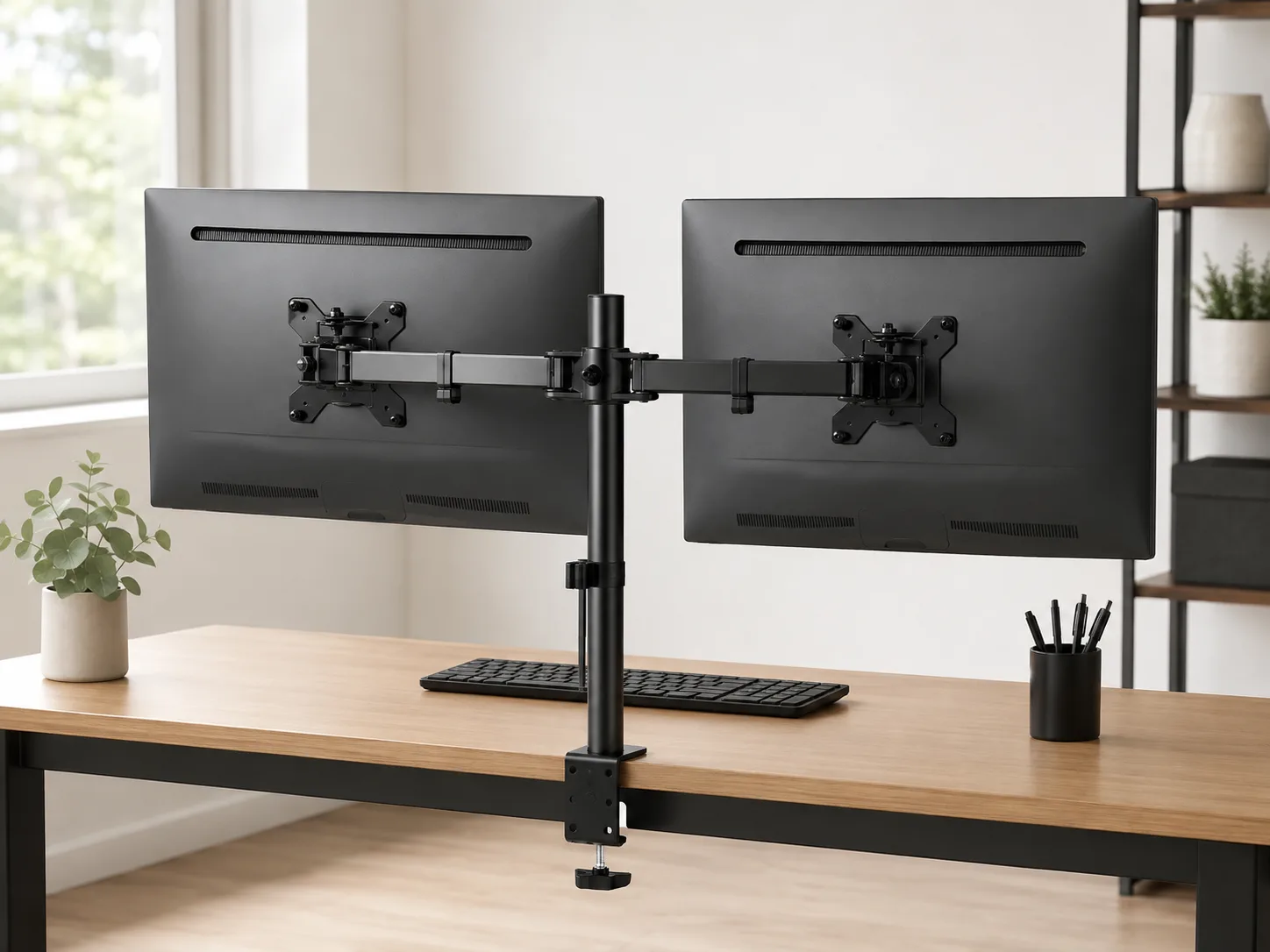
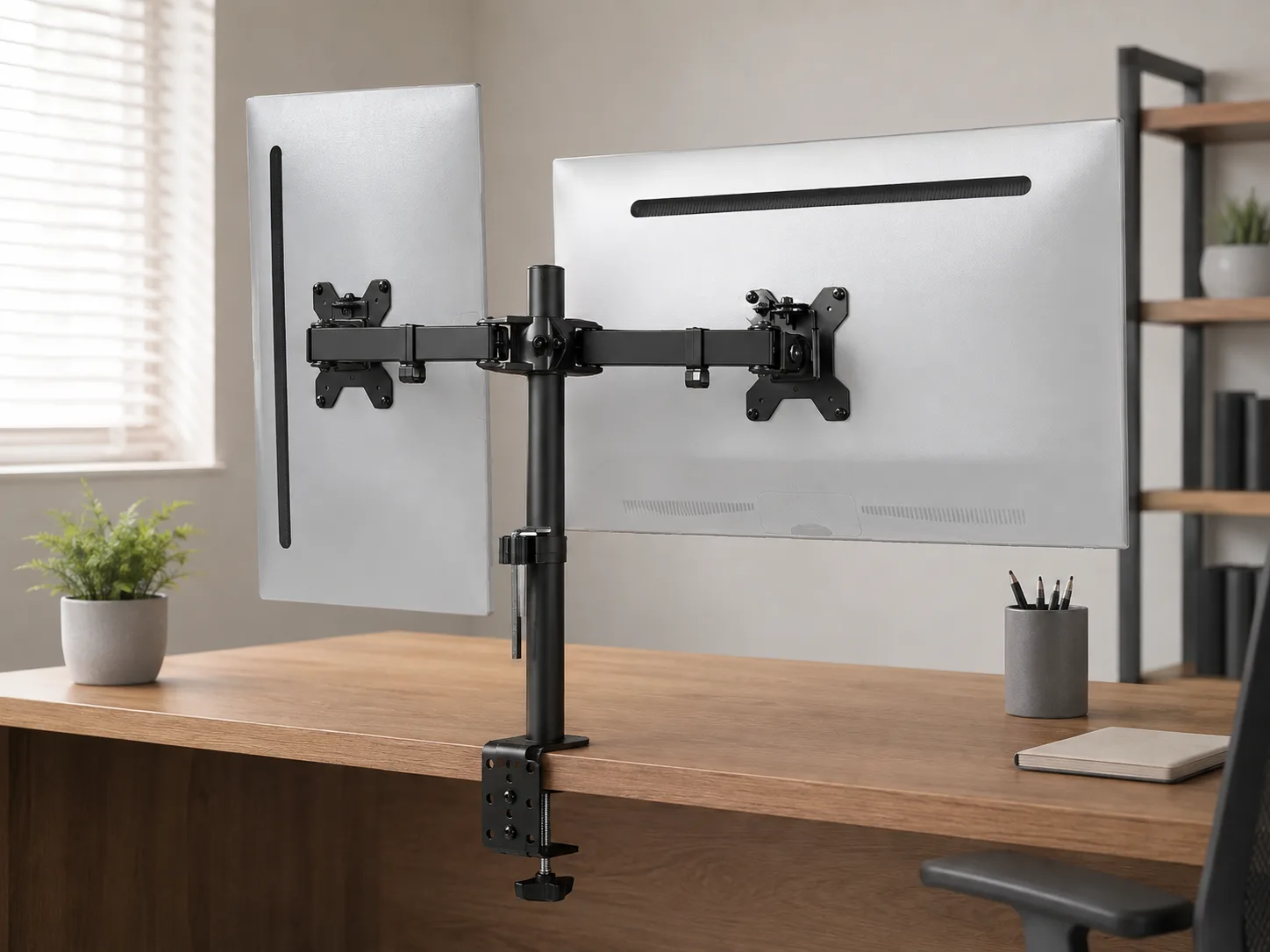
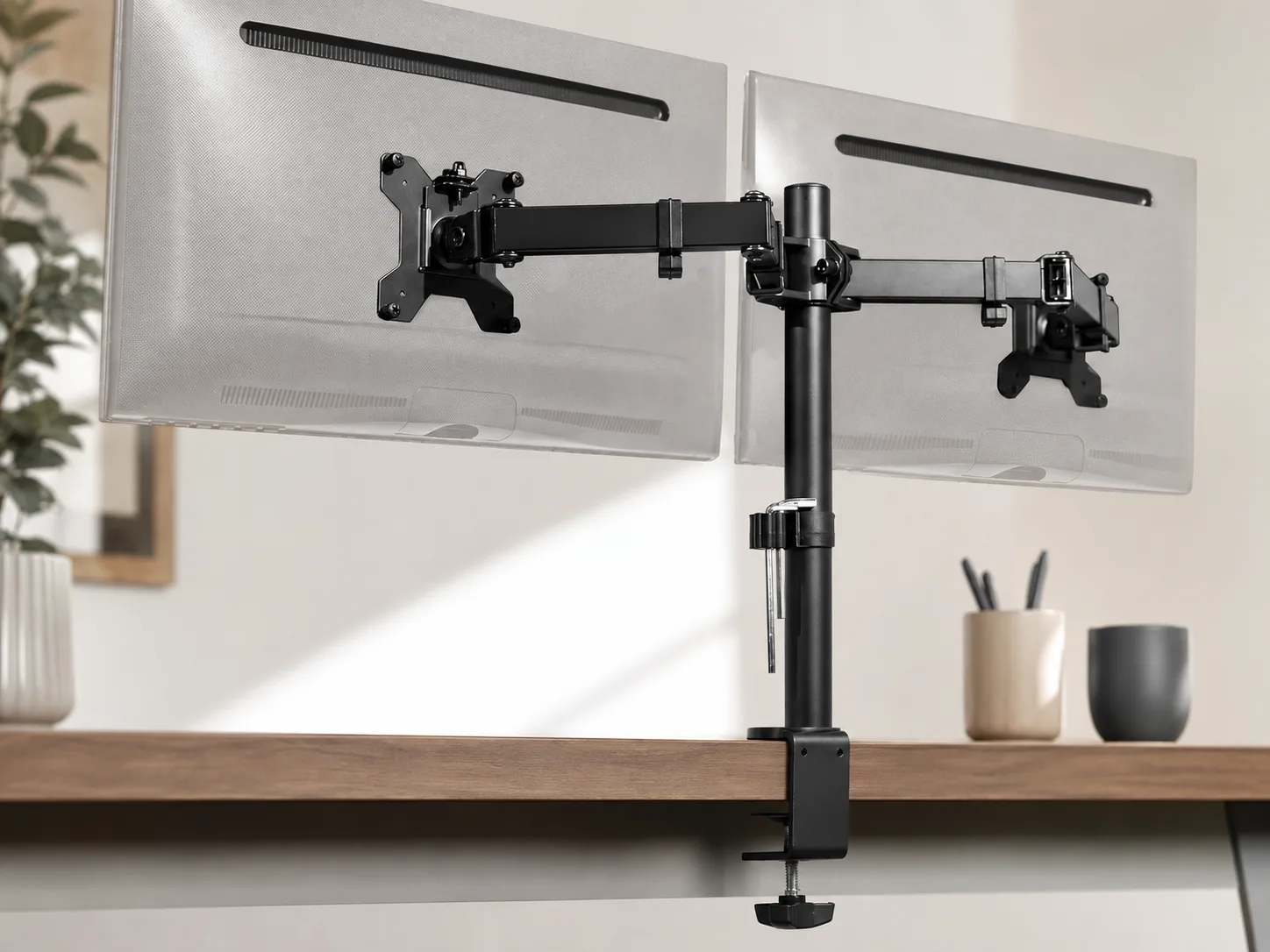
Dual monitor mounts fail when shoppers buy “fits most desks” from a photo and ignore VESA pattern, panel weight, and desk thickness. A dual arm looks clean online. Then the clamp will not clear a thick edge, the VESA plate misses the panel holes, or a heavy ultrawide sits outside the rated range.
This is a specs-first fit check for the VIVO dual monitor desk mount (ASIN B009S750LA). Confirm VESA, weight, and desk thickness first. Then decide if a dual clamp mount beats a freestanding dual riser or a single arm.
How the dual mount holds two screens
This is a steel dual monitor desk mount for 13–30 in panels at ≤22 lb each, with VESA 75×75 & 100×100. Desk clamp supports up to 3.25 in thickness, with grommet mounting also available. Motion: tilt +90/−90, 180° swivel, 360° rotate. Listing notes a 3-year warranty.
That is the product thesis — two VESA screens off the desk, when weight, pattern, and thickness already match. It is not a freestanding dual riser shelf and not a single-arm kit.
Mount each VESA plate to its panel, choose clamp or grommet, then set arm position within the rated size and weight. Extra swivel does not raise the 22 lb per-monitor limit.
Only if this pick doesn’t fit
When to fork to a different shape
Freestanding dual riser. If you prefer a shelf riser on the desk instead of clamp arms — or your panels lack VESA — Simple Houseware dual monitor stand (Amazon listing B0BS9RB6J7) is the dual-riser fork. Still measure desk depth and span; mounting style is the reason to switch, not a guarantee of fit.
Dual gas-spring FlowLift. If you want a dual HUANUO FlowLift arm instead of this VIVO mount, HUANUO FlowLift dual (Amazon listing B07T5SY43L) is the dual-arm fork. Compare its VESA, weight, and clamp range to your tape measure before you buy.
Single monitor arm. If you only need one screen off the desk, HUANUO FlowLift single (Amazon listing B07T3KCQ94) is the single-arm fork. Match that SKU’s VESA, weight, and desk thickness separately.
Tagged links above are optional outbound checks only. The shortlisted pick remains VIVO Dual Monitor Desk Mount when both monitors already clear VESA, weight, and desk thickness.
The bottom line
Let the fit decide.
Confirm VESA, panel weight, and desk thickness first. Match the VIVO dual mount only when both screens are 75×75 or 100×100, ≤22 lb / ≤30 in each, and the desk is within the clamp/grommet path up to 3.25 in. Skip it for missing VESA, overweight or oversized panels, single-monitor-only needs, or freestanding-riser preference, and use the Simple Houseware, HUANUO dual, or HUANUO single forks instead. Specs decide this category; product photos do not.
Check current price on Amazon Confirm fit, variant, and included parts before buying.