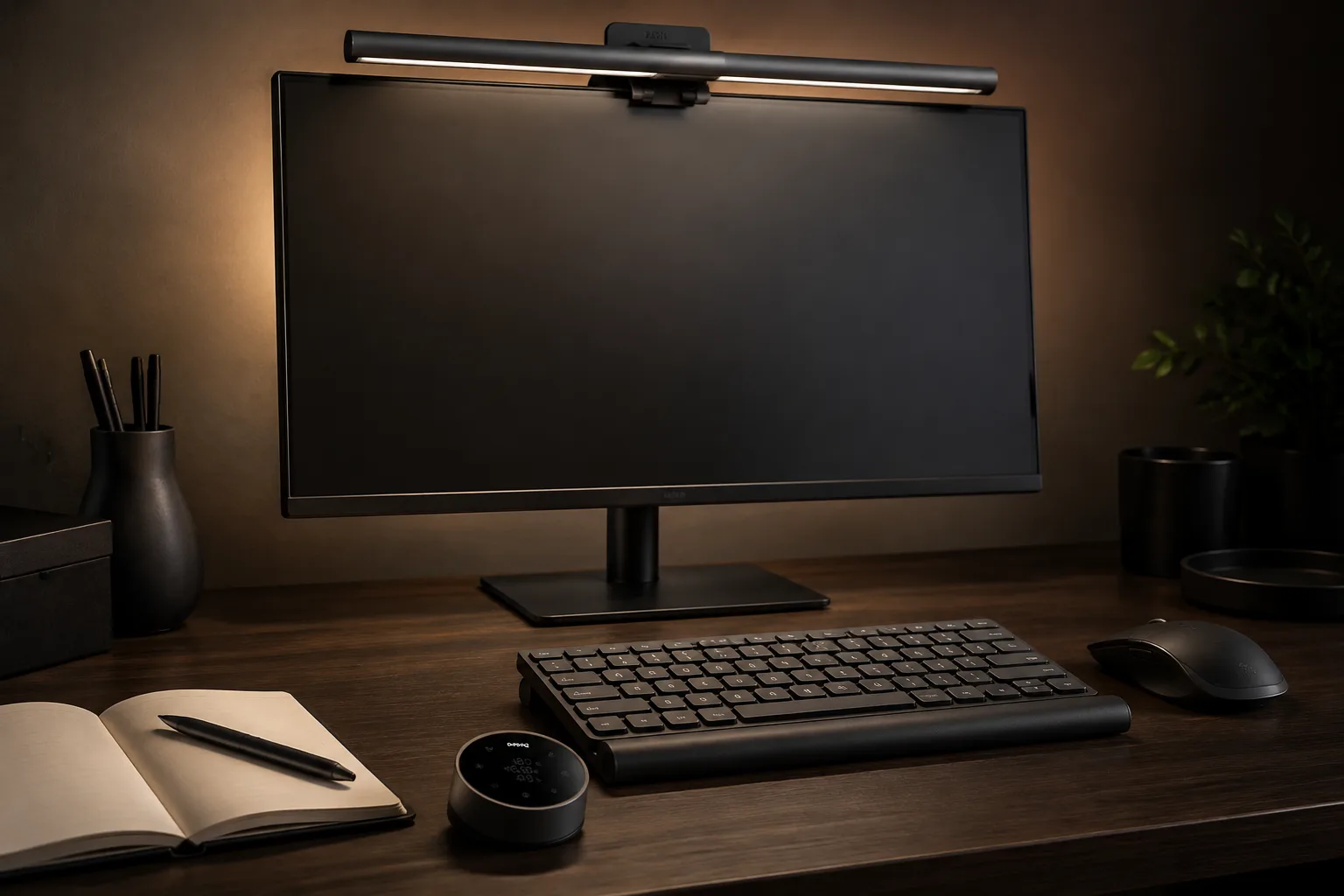
BenQ ScreenBar Halo 2: Monitor Clamp, Curve & Light Zones
Measure monitor thickness and curve before you buy. Specs-only fit guide for the BenQ ScreenBar Halo 2 — clamp range, color temperature, asymmetric front light, and tri-zone rear backlight.
As an Amazon Associate I earn from qualifying purchases. Buying through this link may earn us a commission at no extra cost to you.
Save this fit checkCheck current price on Amazon Opens Amazon · confirm the selected variant and dimensionsBenQ ScreenBar Halo 2
USB-powered monitor light bar with wireless dial, asymmetric front light, and tri-zone rear backlight. Buy it when your monitor thickness and curve already match the clamp and curve ranges below.
| Color temperature | 2700–6500K |
|---|---|
| CRI | >95 |
| Front light | Asymmetric 18° |
| Rear light | Tri-zone backlight |
| Controls | Wireless dial; auto on/off + ambient dim |
| Clamp range | 0.17–2.36 in |
| Curve support | 1000R–1800R |
| Dimensions | ~5.6 in D × 19.7 in W × 4.3 in H |
| Power | USB-powered |
Specs from Amazon listing, verified September 5, 2026.
Tape measure before checkout
Measure first. Then decide.
Use a tape measure (or calipers) on the monitor you will clamp — not on a marketing render.
Monitor thickness at the clamp point.
Listing clamp range is 0.17–2.36 inches. Measure the top bezel / back edge where the clamp jaws will sit. Under 0.17 in or over 2.36 in, this bar will not clamp.
Screen curve.
Listing supports curved monitors in the 1000R–1800R range. If your panel is flatter than that range expects, or more aggressively curved than 1000R, confirm seating before you commit. Flat monitors in the clamp range are the simpler case.
Desk depth and bar footprint.
Listing dimensions are about 5.6 in D × 19.7 in W × 4.3 in H. Confirm the bar will not collide with a wall, acoustic panel, or second monitor when clamped.
Power path.
The bar is USB-powered. Confirm a free USB port on the monitor, dock, or PC that can supply the bar without killing other peripherals.
Single vs dual monitors.
One Halo 2 covers one screen. Dual monitors that both need screenbar lighting need two bars — or a different lighting plan.
Write the clamp and curve numbers down. If thickness falls outside 0.17–2.36 in or you need two bars on a budget light-bar plan, skip this SKU and look at the forks.
A closer look
One pick. 6 views.
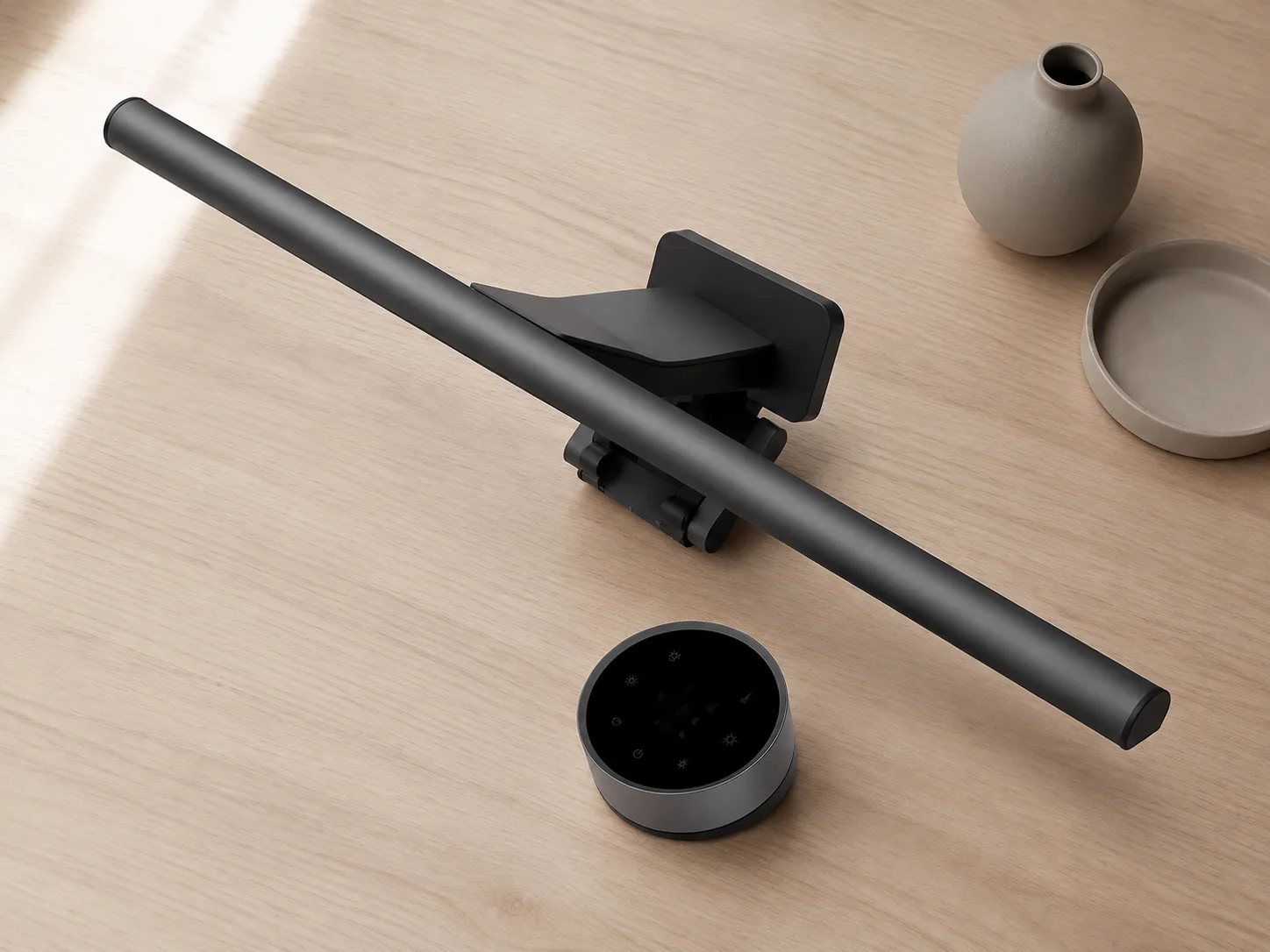
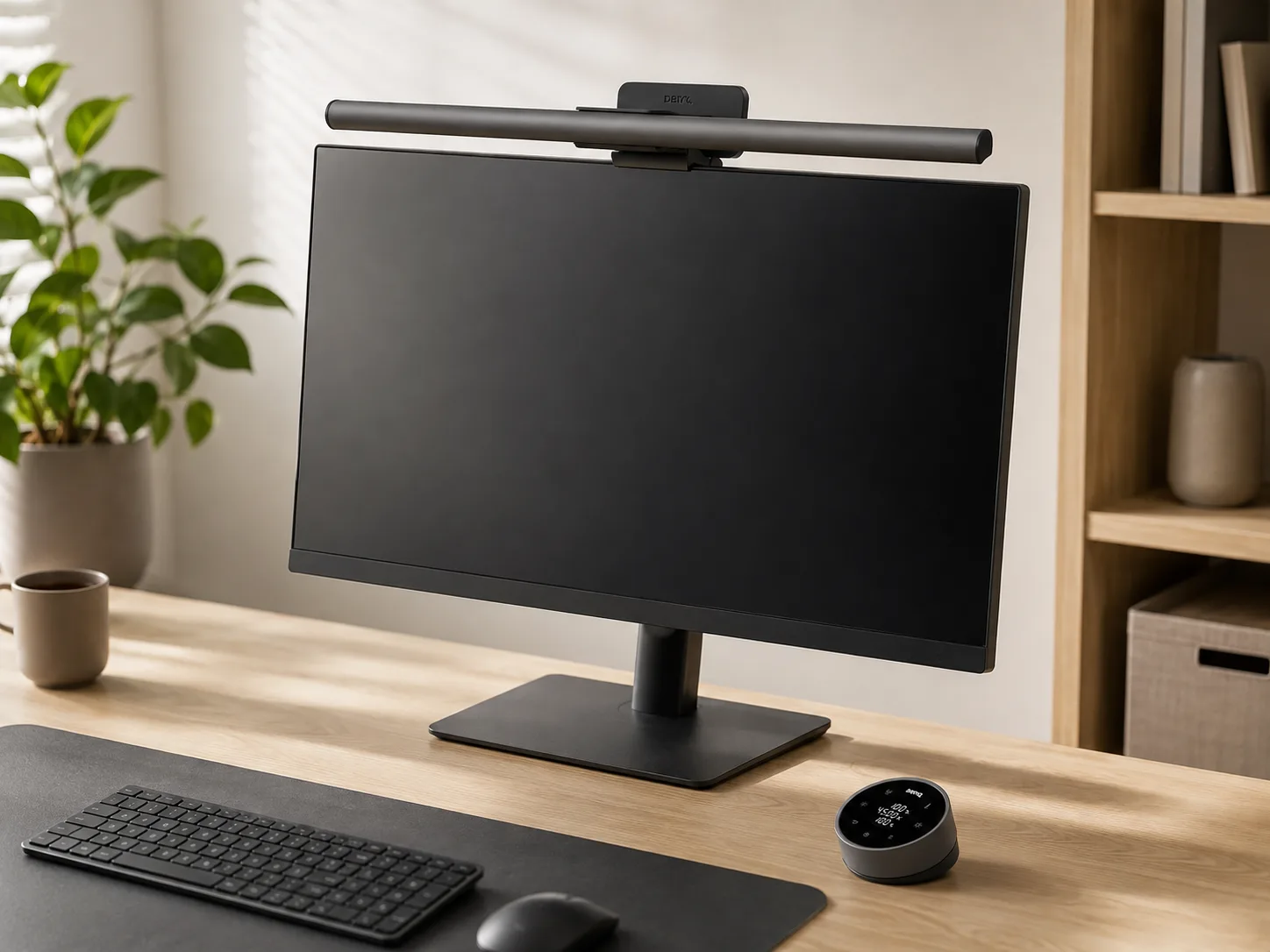
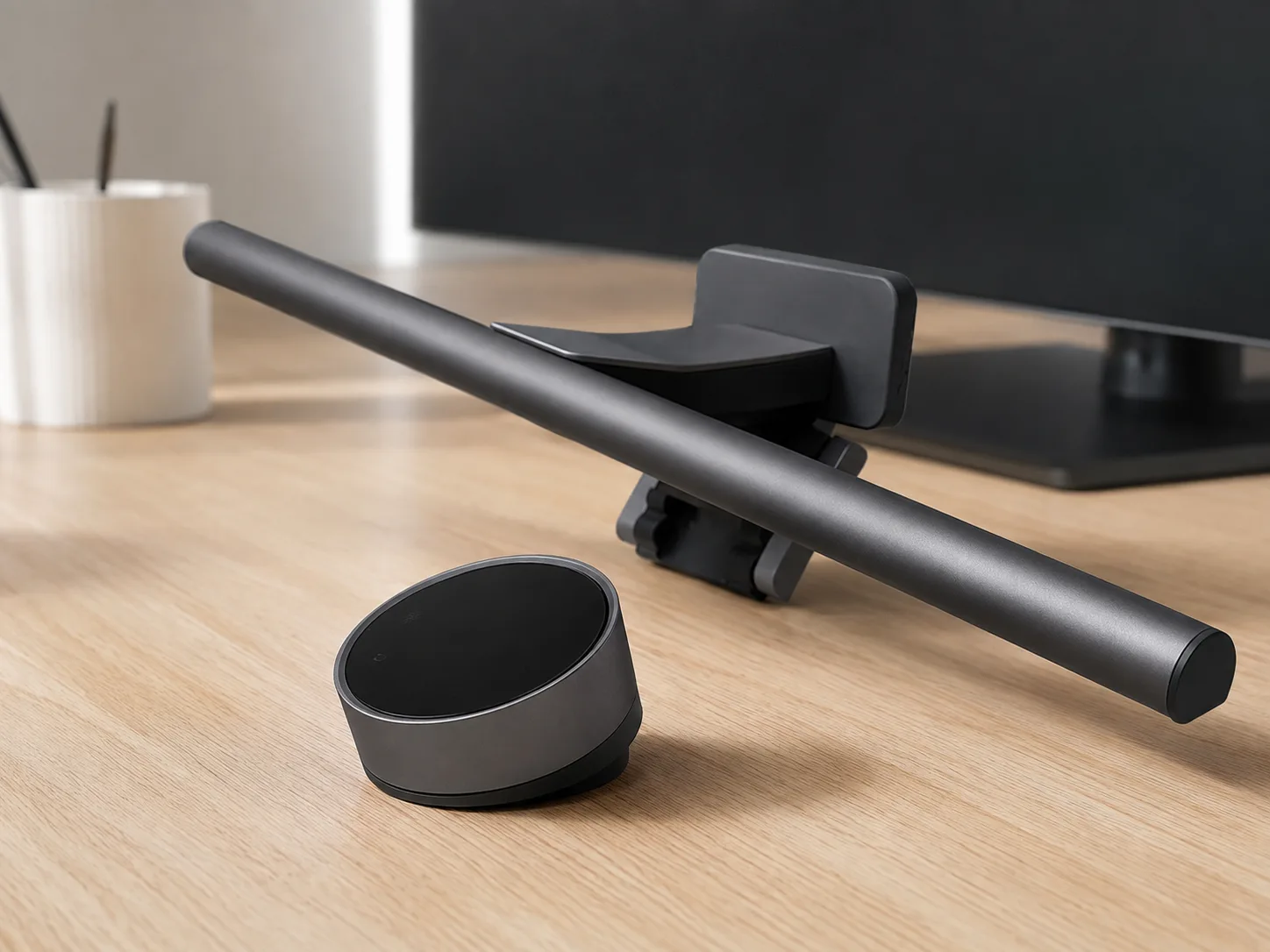
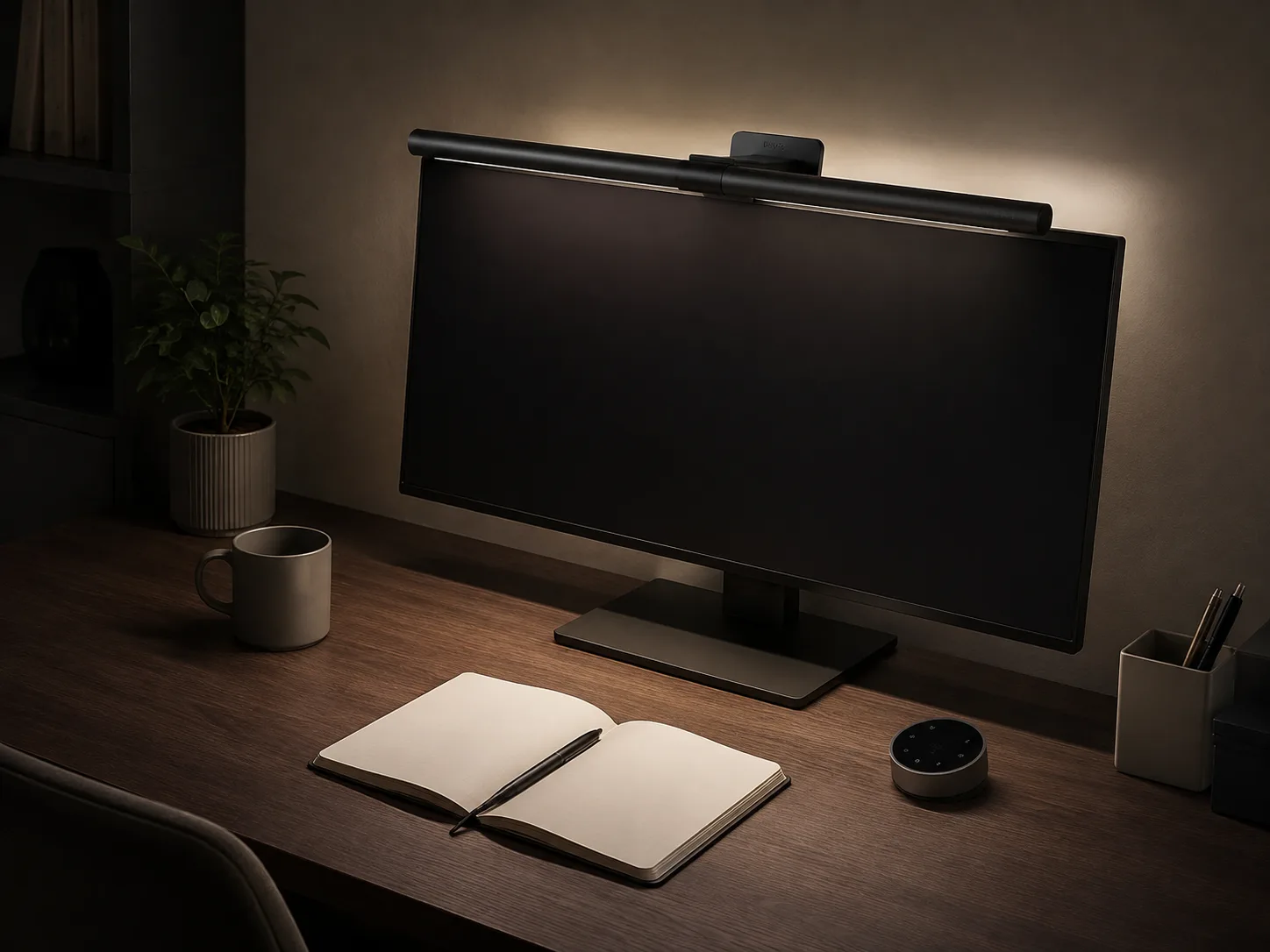
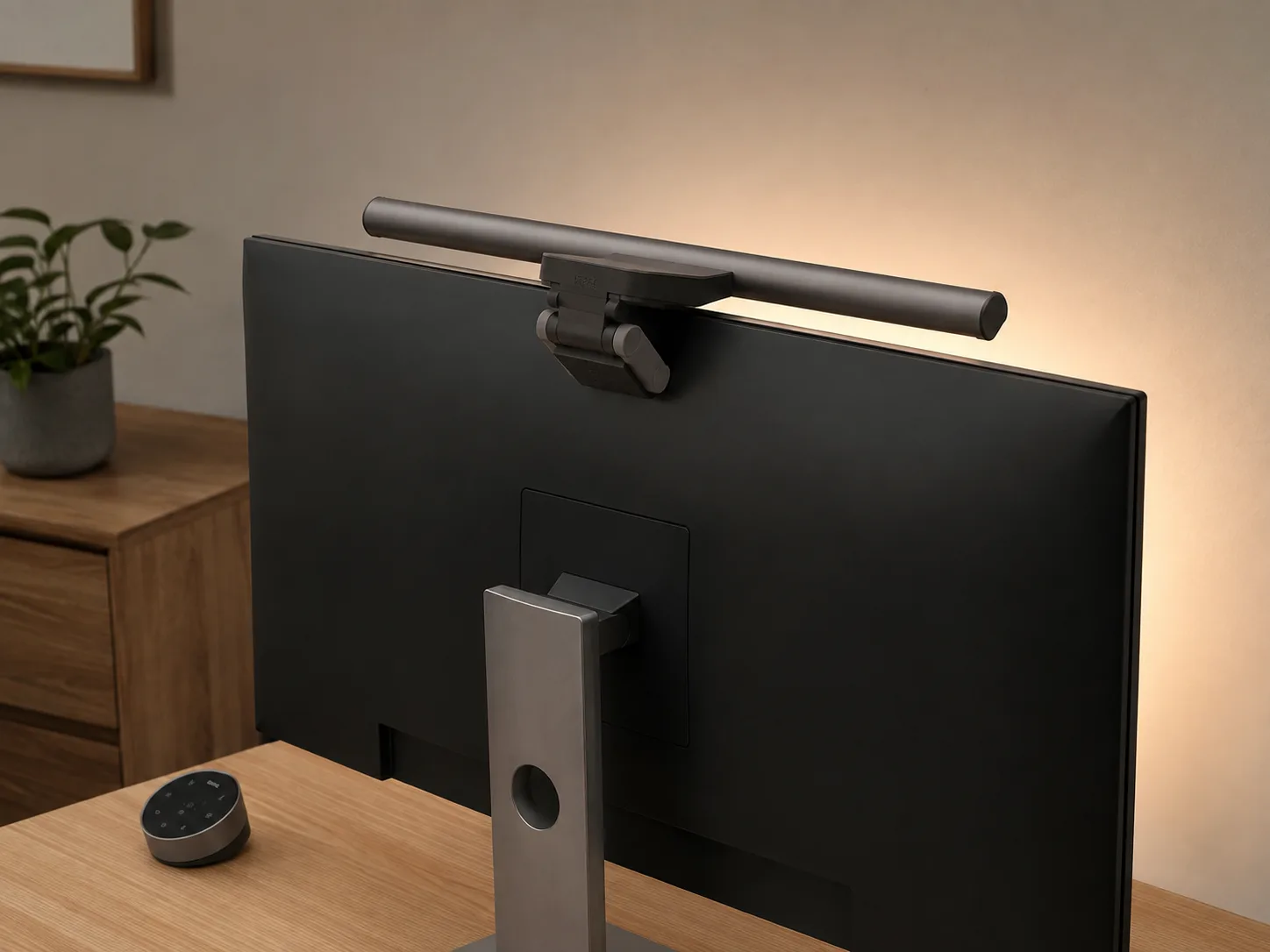
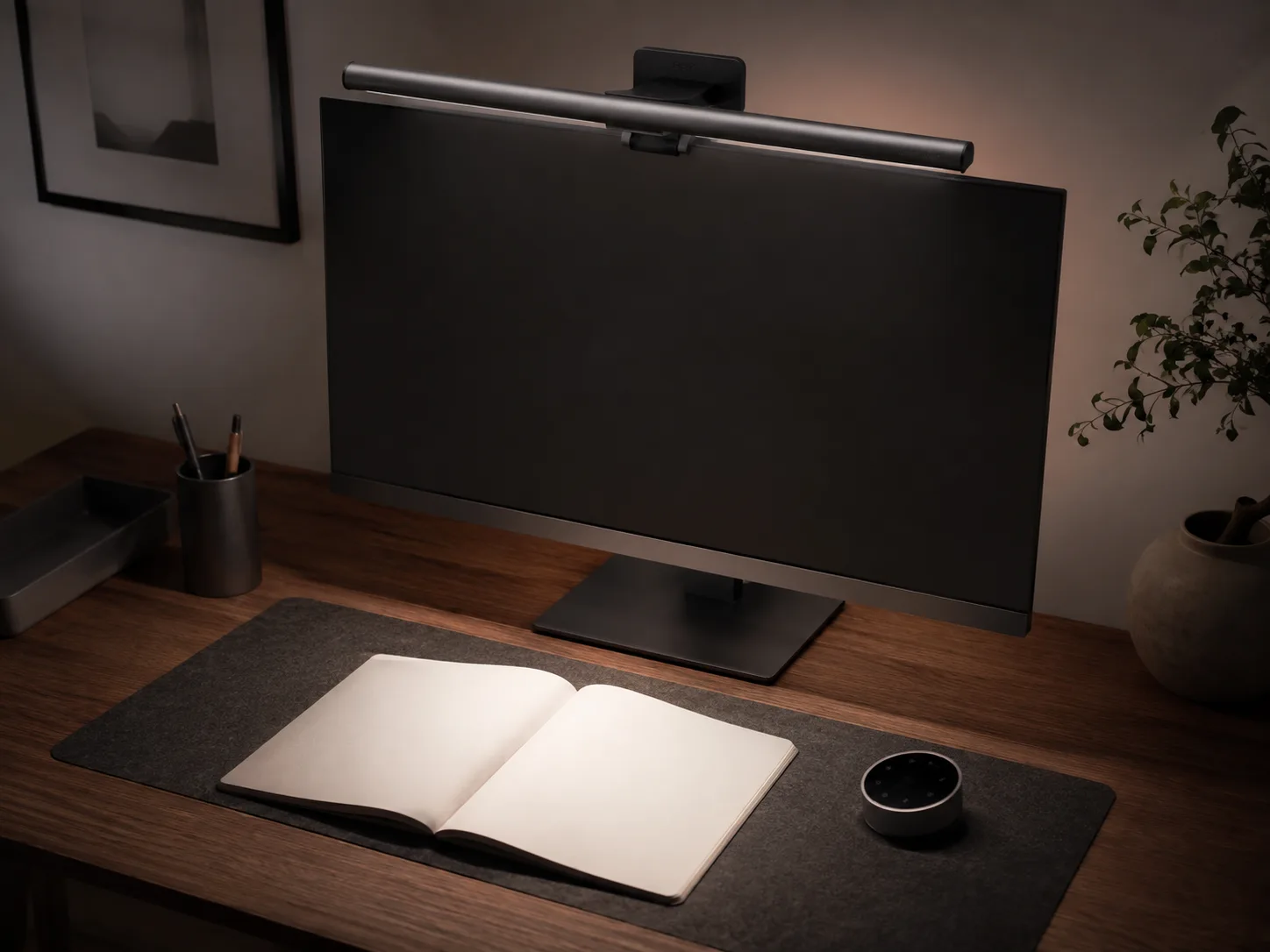
Monitor light bars fail when shoppers buy the glow shot and ignore the clamp and curve they actually have. The bar looks perfect on a flat office panel. Then it will not seat on a thick curved gaming display, or the rear backlight spills the wrong way in a dual-monitor setup.
This is a specs-first fit check for the BenQ ScreenBar Halo 2 (ASIN B0DK59YKRS). Measure clamp thickness and screen curve first. Then decide if the light zones match how you work.
How the light zones and dial work
This is a monitor-mounted light bar with a 2700–6500K color-temperature range and CRI >95. The front light is asymmetric at 18° so more illumination hits the desk and less hits the screen. The rear uses a tri-zone backlight. A wireless dial controls the setup; auto on/off and ambient dim handle room changes without constant dialing.
That is the product thesis — desk light without a desk lamp footprint, plus rear bias light for dark rooms. It is not a ceiling fixture and not a dual-monitor spanning bar.
Seat the clamp within range, aim the asymmetric front toward the desk, and use the rear zones for wall bias. Curve support is 1000R–1800R; outside that, seating quality is on you to verify.
Only if this pick doesn’t fit
When to fork to a different shape
BenQ ScreenBar (non-Halo). If you want the classic ScreenBar feature set without Halo 2’s rear backlight stack, BenQ ScreenBar (Amazon listing B076VNFZJG) is the ScreenBar-family fork — still measure clamp thickness and curve; model family is the reason to switch, not a guarantee of fit.
Budget light bar. If you are shopping budget light bars rather than Halo 2’s feature stack, Xiaomi Mi Computer Monitor Light Bar (Amazon listing B08W2C5W59) is the simpler fork. Compare clamp range and light controls to your monitor before you buy.
Tagged links above are optional outbound checks only. The shortlisted pick remains Halo 2 when your clamp, curve, and single-monitor plan already match.
The bottom line
Let the fit decide.
Measure monitor thickness and curve first. Match Halo 2 only when the clamp range, curve support, and USB power path fit a single screen. Skip it for budget light-bar shopping, dual bars, or out-of-range mounts, and use the ScreenBar or Xiaomi forks instead. Specs decide this category; glow shots do not.
Check current price on Amazon Confirm fit, variant, and included parts before buying.